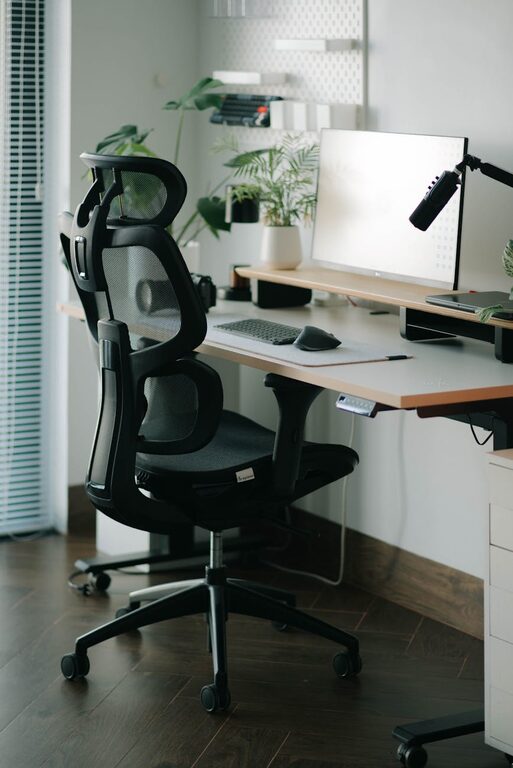
Creating a home office space that is both comfortable and productive is essential for anyone working remotely or managing tasks from home. A well-designed workspace can improve focus, reduce stress, and increase efficiency. Whether you have a dedicated room or a small corner, this guide will help you optimize your home office environment.
Choose the Right Location
Selecting the right spot for your home office sets the foundation for a productive workday.
– Find a quiet area: Aim for a space with minimal distractions to maintain concentration.
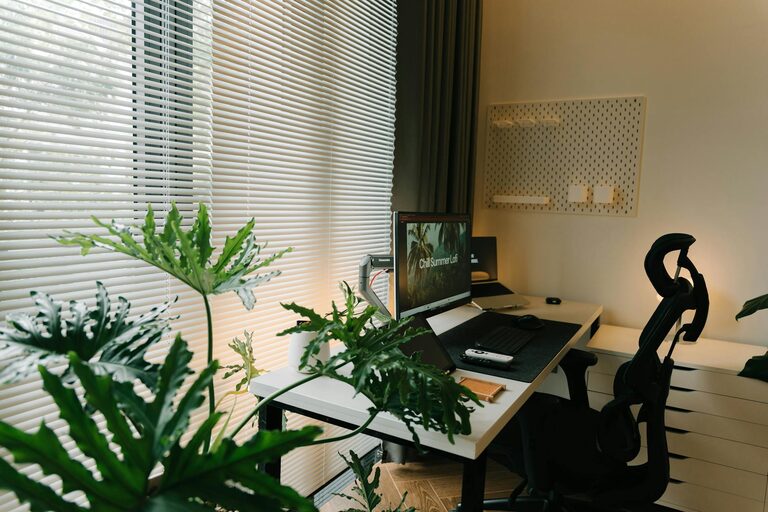
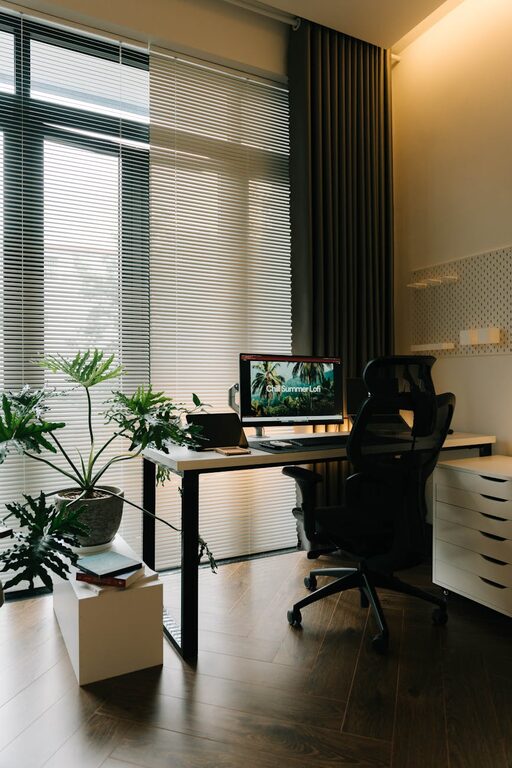
– Consider natural light: Position your desk near a window if possible. Sunlight boosts mood and reduces eye strain.
– Ensure good ventilation: Fresh air keeps you alert and comfortable.
– Think about privacy: If you share your home, pick a location where interruptions are less frequent.
Invest in Ergonomic Furniture
Comfort can dramatically affect your work quality, so choose furniture that supports good posture.
– Ergonomic chair: Look for adjustable height, lumbar support, and comfortable padding.
– Desk at proper height: Your desk should allow your arms to rest comfortably with elbows at about a 90-degree angle.
– Monitor placement: Position your screen at eye level, about 20 inches away, to avoid neck and eye strain.
– Footrest: Consider adding a footrest if your feet don’t touch the floor comfortably.
Organize for Efficiency
An organized workspace saves time and reduces frustration.
– Declutter regularly: Keep only essential items on your desk to maintain focus.
– Use storage solutions: Shelves, drawers, and filing systems help keep papers and supplies tidy.
– Cable management: Use clips or sleeves to keep cords from tangling.
– Desk accessories: Invest in a good lamp, pen holder, and notepad for quick access.
Optimize Lighting
Good lighting is critical for comfort and productivity.
– Natural light: Maximize sunlight but avoid glare on your screens by using blinds or curtains.
– Task lighting: A desk lamp with adjustable brightness helps during late hours or on cloudy days.
– Balanced lighting: Use a combination of ambient and task lighting to reduce eye fatigue.
Personalize Your Space
Adding personal touches can make your home office more inviting.
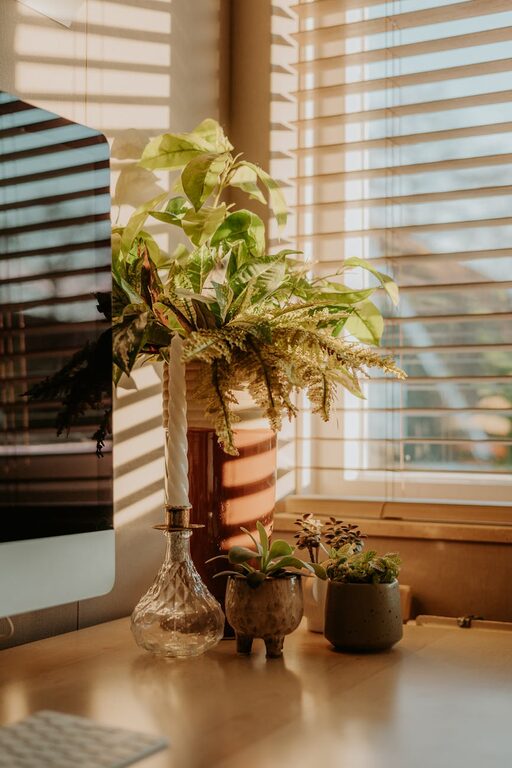
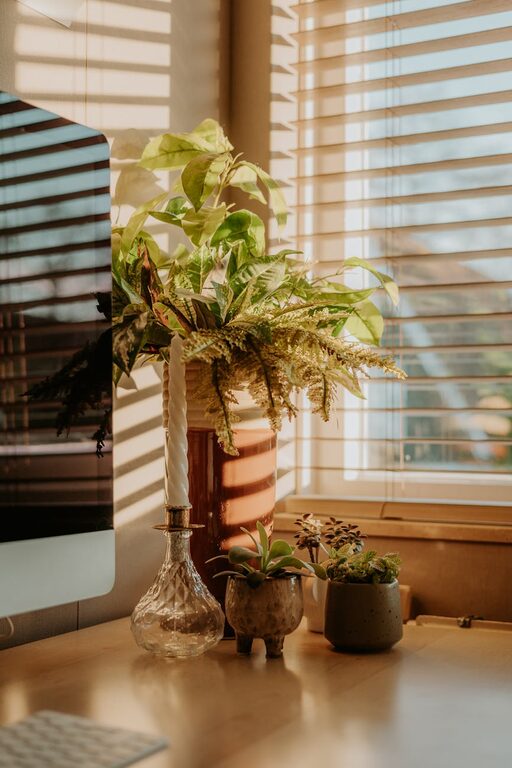
– Decor: A few plants or artwork can brighten the room and increase motivation.
– Color choices: Soft, neutral colors tend to be calming, while brighter colors can energize you.
– Comfort items: A cozy blanket or cushion can make long work hours more pleasant.
Establish Boundaries
Clear boundaries help maintain a healthy work-life balance.
– Set work hours: Stick to regular start and finish times.
– Create signals: Use signs or other indicators to let family members know when you’re busy.
– Separate zones: If possible, use physical dividers or rugs to differentiate work space from living areas.
Take Breaks and Move
Physical and mental breaks improve focus and prevent burnout.
– Follow the 20-20-20 rule: Every 20 minutes, look at something 20 feet away for 20 seconds.
– Stretch regularly: Stand, stretch, or walk to reduce muscle tension and enhance circulation.
– Stay hydrated and snack healthily: Keep water and light snacks near to maintain energy levels.
Leverage Technology
The right tools can streamline work and communication.
– Reliable internet: A strong connection is non-negotiable for remote work.
– Noise-canceling headphones: These can block distractions and improve concentration.
– Productivity apps: Use calendars, to-do lists, and focus timers to stay organized.
Keep It Clean
A clean environment contributes to a clear mind.
– Daily tidying: Spend a few minutes at the end of each day organizing your space.
– Regular deep cleaning: Dust surfaces, vacuum floors, and clean screens to maintain hygiene.
– Air quality: Use an air purifier or open windows to keep air fresh.
—
By thoughtfully setting up your home office with these tips, you can create a space that promotes both comfort and productivity. Remember that your perfect setup may evolve, so feel free to adjust your environment until it feels just right for you.
About the Author