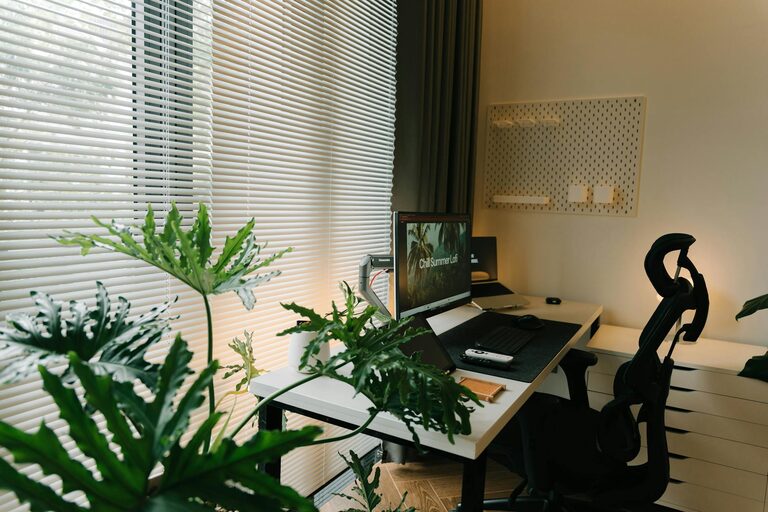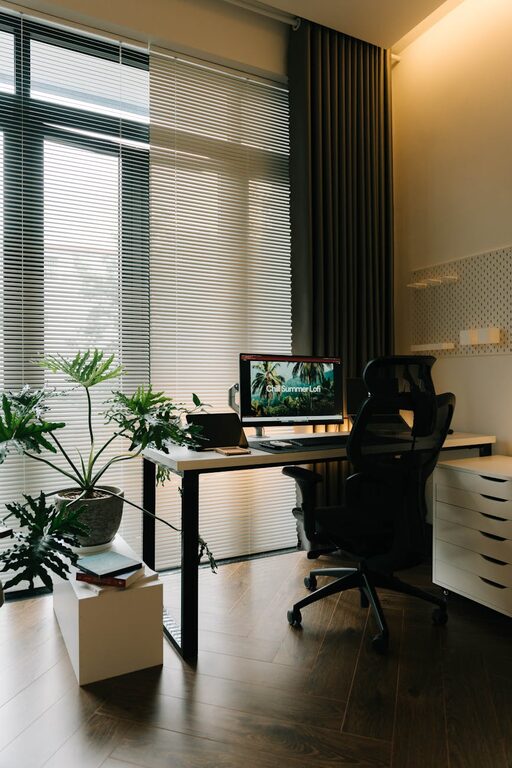
Creating a workspace at home that is both cozy and productive can make a significant difference in how you approach your daily tasks. Whether you work remotely, study, or manage personal projects, setting up a comfortable and efficient area helps maintain focus and reduces stress. In this post, we will explore practical tips to help you design a home workspace that balances comfort with functionality.
Choose the Right Location
Selecting the best spot for your workspace is crucial. Ideally, this should be a quiet area away from distractions like television or busy household zones.
– Natural light: Aim for a spot near a window to benefit from natural light. It boosts mood and reduces eye strain.
– Privacy: If possible, pick a room or corner where you can work without frequent interruptions.
– Space: Ensure there is enough room for a desk, chair, and any equipment you regularly need.
Invest in Comfortable Ergonomic Furniture
Working for hours needs the right furniture to avoid discomfort and long-term health issues.
– Chair: Choose an ergonomic chair with good back support and adjustable height.
– Desk: The desk should accommodate your computer, paperwork, and accessories, allowing for a comfortable arm position.
– Accessories: Consider a footrest or wrist supports if you spend a lot of time typing.
Organize Your Workspace Effectively
Clutter can decrease productivity and increase stress. Maintaining an organized desk helps keep your mind clear.
– Storage solutions: Use shelves, drawers, or boxes to store supplies and papers.
– Cable management: Keep cables tidy using clips or cable organizers.
– Daily clean-up: Spend a few minutes each day putting items back in their places.
Personalize Your Space
Adding personal touches creates a welcoming environment and makes work more enjoyable.
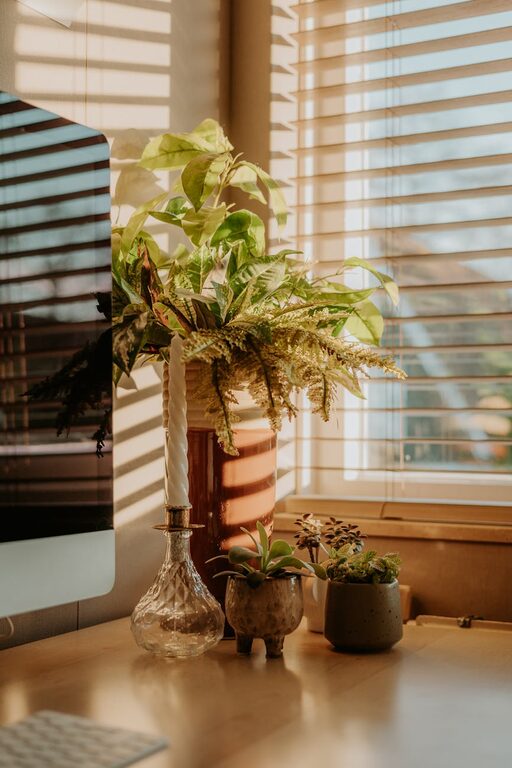
– Plants: Small indoor plants can improve air quality and add a natural feel.
– Artwork: Hang inspiring pictures or posters that motivate you.
– Color: Use calming colors like soft blues or greens, or incorporate accent colors that make you happy.
Optimize Lighting
Proper lighting is key to reduce eye strain and maintain energy.
– Task lighting: Use a desk lamp with adjustable brightness focused on your work area.
– Avoid glare: Position your monitor and lights to minimize screen reflections.
– Warm tones: Consider lamps that provide warm light for a cozy atmosphere.
Manage Noise and Distractions
Creating a quiet, focused environment helps improve concentration.
– Noise-canceling headphones: Use these if you need to block household noises.
– White noise: Playing soft background sounds or white noise can help reduce distractions.
– Rules: Establish workspace boundaries with family or roommates to limit interruptions during work hours.
Set a Routine and Boundaries
Structure helps in maintaining productivity and separating work from personal time.
– Working hours: Define clear work hours and stick to them.
– Breaks: Schedule short breaks to stretch and relax your eyes.
– End-of-day ritual: Organize your desk and turn off work devices to signal the end of the workday.
Incorporate Technology Smartly
Make sure your technology supports your workflow without causing hassle.
– Reliable internet: A strong and stable connection is essential.
– Ergonomic peripherals: Use an external keyboard and mouse if working on a laptop.
– Backup: Keep important files backed up on the cloud or external drives.
Keep Comfort in Mind
Beyond ergonomics, small comfort touches can make your workspace more inviting.
– Temperature control: Use a fan or heater as needed to keep the temperature comfortable.
– Drink station: Keep water or your favorite warm beverage nearby to stay hydrated.
– Comfort items: A soft blanket or cushion can enhance coziness.
Final Thoughts
Designing a cozy and productive home workspace doesn’t require a full renovation. By thoughtfully selecting your location, prioritizing comfort, organizing efficiently, and setting routines, you can create an environment where you feel motivated and focused. Small changes can lead to big improvements in your work-from-home experience.
Take some time today to evaluate your current setup and try implementing a few of these tips for a better workspace tomorrow!
About the Author