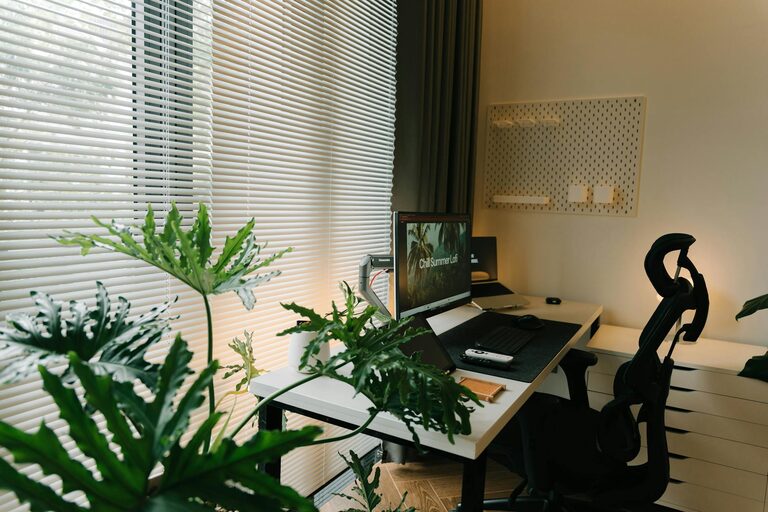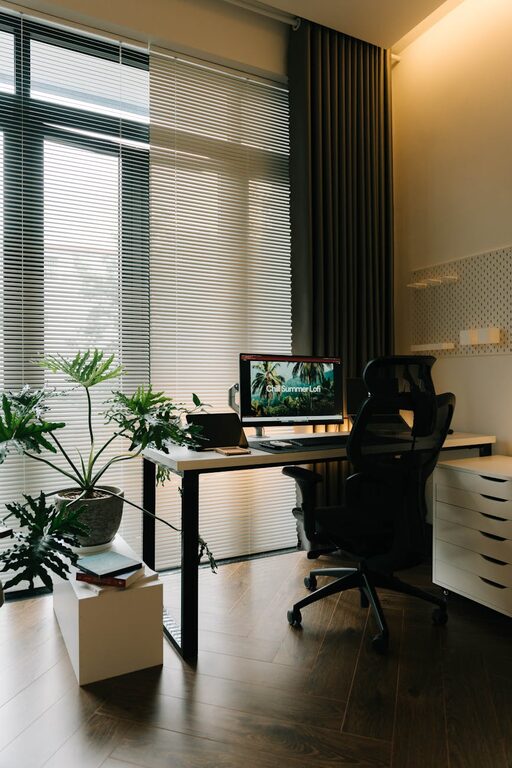
Creating a relaxing home workspace environment is essential for maintaining productivity and well-being when working from home. A space that feels calm and organized can help reduce stress, increase focus, and make your workday more enjoyable.
In this post, we’ll explore practical ideas and tips to help you design a home workspace that promotes relaxation and efficiency. Whether you have a dedicated room or just a small corner, these strategies can help transform your area into a peaceful retreat for work.
Why a Relaxing Workspace Matters
Working from home offers convenience but also comes with distractions and challenges. A cluttered or uninspiring workspace can negatively impact motivation and concentration. By creating a calming environment, you support better mental clarity and reduce fatigue.
Benefits of a Relaxing Home Workspace
– Improves focus and productivity
– Reduces stress and anxiety
– Encourages better work habits
– Supports a healthy work-life balance
Now let’s dive into specific tips to help you create a workspace that feels inviting and keeps you motivated.
Choose the Right Location
The foundation of a relaxing workspace starts with location. Find a spot in your home that suits your needs for quiet, natural light, and space.
Tips for Selecting Your Workspace Location
– Pick a low-traffic area to minimize interruptions.
– Opt for a space with ample natural light for energy and mood.
– Consider a room or nook that you can dedicate solely to work.
– Avoid working from your bed or couch, which can blur boundaries between work and rest.
Keep It Clean and Organized
A messy workspace can contribute to mental clutter. Keeping your area tidy and organized is key to maintaining a peaceful environment.
Organization Ideas
– Use storage solutions like shelves, drawers, or bins to keep supplies neat.
– Clear surfaces regularly to avoid buildup.
– Minimize items on your desk to essentials only.
– Implement a filing system for papers and documents.
Add Soothing Elements
Incorporating calming elements into your workspace can create a more inviting atmosphere and help ease tension.
Ways to Introduce Relaxation
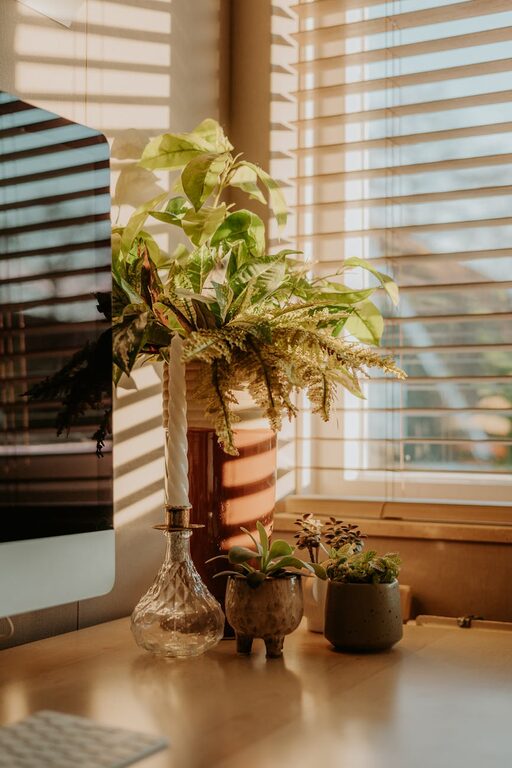
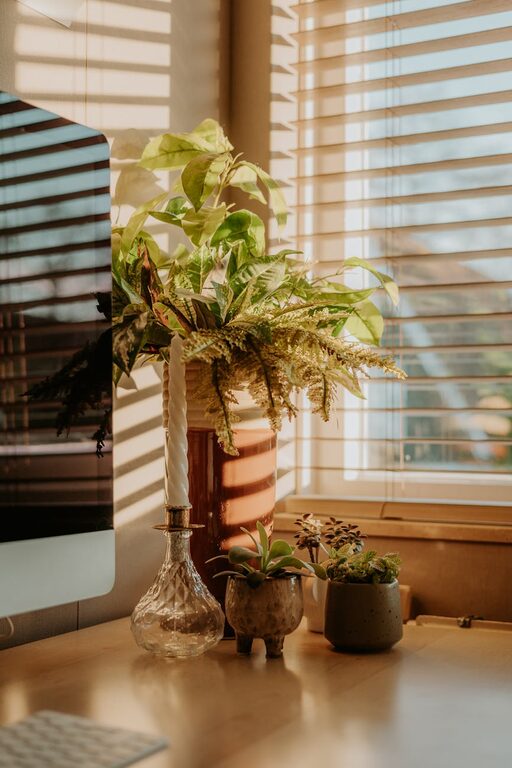
– Place indoor plants to add greenery and improve air quality.
– Use soft lighting, such as a desk lamp with warm bulbs, instead of harsh overhead lights.
– Choose colors for your workspace that promote calmness, like soft blues, greens, or neutrals.
– Add personal touches like artwork, inspirational quotes, or calming scents (essential oils or candles) to inspire positivity.
Invest in Comfortable Furniture
Comfortable furniture can make a big difference in how you feel while working.
Furniture Considerations
– Choose an ergonomic chair that supports good posture.
– Opt for a desk at the right height to prevent strain.
– Add cushions or footrests if needed for extra comfort.
– Consider a standing desk or adjustable desk to switch positions throughout the day.
Minimize Distractions
Keeping distractions to a minimum helps maintain focus and creates a calmer environment.
Strategies to Reduce Distractions
– Use noise-canceling headphones or play soft background music if household noise is an issue.
– Keep your phone on silent or in another room during focused work periods.
– Set clear boundaries with family or roommates about your work hours.
– Use apps or tools that block distracting websites during work time.
Incorporate Break Areas
Taking regular breaks in a different environment helps refresh your mind and body.
Break Ideas
– Create a separate spot near your workspace with a comfy chair or cushion for short breaks.
– Stretch or do light exercises during breaks to reduce tension.
– Step outside briefly for fresh air and natural light.
Maintain a Routine
A predictable routine supports a structured day and reduces stress.
Tips for Establishing a Routine
– Set regular work hours and stick to them.
– Start your day with a small ritual like a cup of tea or stretching.
– Schedule specific times for tasks, breaks, and end of day.
– Avoid working beyond your set hours to maintain work-life balance.
Use Technology Wisely
Technology can both help and hinder a relaxing workspace. Choose tools that support your workflow without overwhelming you.
Tech Tips
– Keep cords organized and out of sight with clips or cable sleeves.
– Use productivity apps to stay on task but avoid notification overload.
– Adjust your screen’s brightness and use blue light filters to reduce eye strain.
Keep It Personal but Professional
Your workspace should reflect your personality while also being a place designed for work.
Personalization Tips
– Display meaningful items that motivate you.
– Avoid cluttering your space with too many non-work items.
– Maintain a clean and professional appearance especially if you take video calls from this area.
—
Creating a relaxing home workspace environment takes some planning but the benefits are worthwhile. By choosing the right location, keeping it organized, and adding personal touches that promote calm, you set yourself up for better focus and well-being.
Remember, your workspace should support your unique working style and needs. Experiment with these tips and adjust what works best to cultivate a peaceful and productive home office.
Happy working!
About the Author