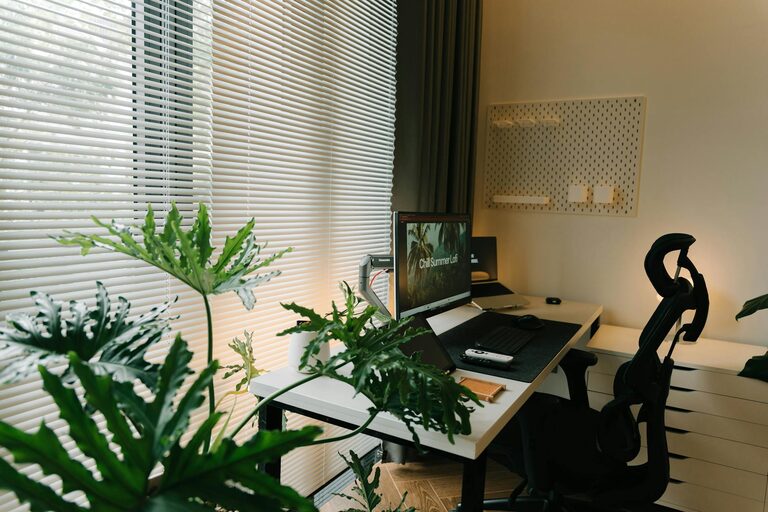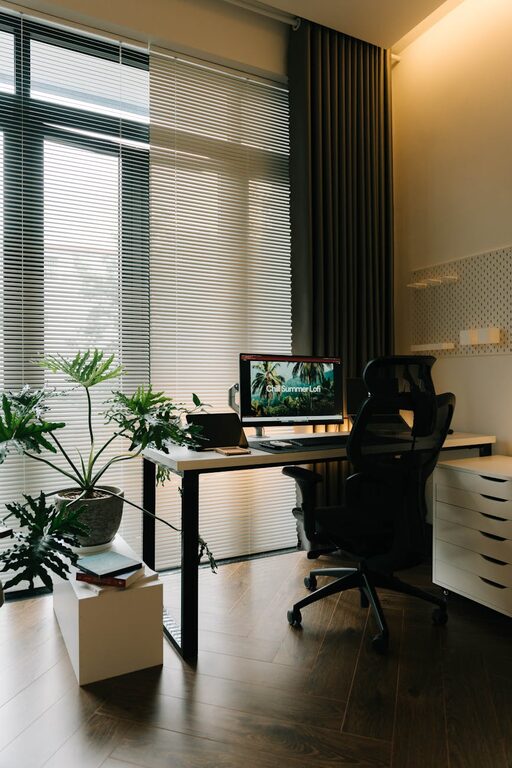
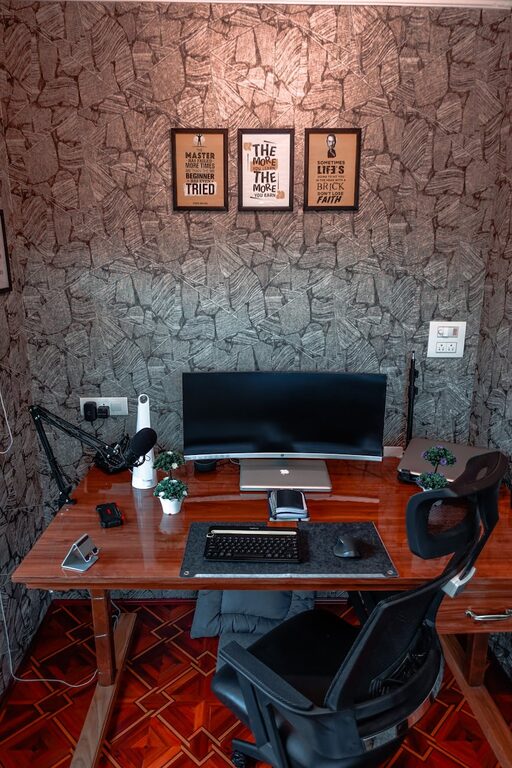
Creating a home workspace that is both cozy and functional can greatly enhance your comfort and productivity, whether you’re working remotely, studying, or just managing daily tasks. A thoughtfully designed workspace encourages focus while making your environment inviting and enjoyable. Here are some helpful tips to transform any corner of your home into an ideal workspace.
Choose the Right Location
Consider Natural Light
Natural light can boost your mood and reduce eyestrain. Select a spot near a window if possible, so you benefit from daylight. If your room has limited natural light, invest in good quality artificial lighting.
Minimize Distractions
Look for a quiet area that’s away from high traffic zones in your home. This helps keep noise and interruptions to a minimum, enabling better concentration.
Prioritize Comfort
Invest in a Good Chair
A supportive, adjustable chair helps maintain good posture and prevents discomfort during long work sessions. Look for one with lumbar support and enough cushioning.
Maintain an Ergonomic Setup
Position your desk, chair, and computer screen to keep your body aligned and relaxed. Your feet should rest flat on the floor, and your screen should be at eye level to avoid neck strain.
Organize and Declutter
Use Storage Solutions
Keep your workspace tidy by using shelves, bins, or drawers to store supplies and documents. A clutter-free environment reduces stress and distractions.
Keep Essentials Within Reach
Arrange frequently used items like pens, notebooks, and chargers close to you. This helps maintain workflow without unnecessary interruptions.
Add Cozy Elements
Incorporate Soft Textures
Add a plush rug, comfortable cushions, or a cozy throw blanket to make your workspace inviting. These elements add warmth and comfort to the room.
Personalize Your Space
Include plants, artwork, or personal photos to create a welcoming atmosphere. Personal touches can improve your mood and creative thinking.
Optimize Lighting
Layer Your Lighting
Combine ambient lighting, task lighting, and accent lighting to reduce eye strain and create a pleasant environment. A desk lamp with adjustable brightness is a great addition.
Choose Warm Light Bulbs
Warm-toned bulbs create a softer, more relaxing atmosphere compared to harsh, cool white lights.
Manage Technology Efficiently
Use Cable Organizers
Keep cords and chargers under control with clips, sleeves, or boxes. Organized cables prevent tangles and keep your workspace looking neat.
Invest in Quality Equipment
Reliable technology such as a good keyboard, mouse, and webcam can improve your work experience and reduce frustration.
Establish Boundaries and Routines
Define Your Work Hours
Set specific work times and take regular breaks to maintain a healthy work-life balance.
Signal the Start and End
Use rituals like opening a planner, brewing coffee, or shutting down your computer to mentally mark transitions between work and relaxation.
Maintain Air Quality and Comfort
Ventilate Regularly
Fresh air helps you stay alert and comfortable. Open windows when possible or use an air purifier.
Control Temperature
Adjust your workspace to a comfortable temperature. Use fans or heaters if necessary to maintain a pleasant environment.
—
By combining comfort, organization, and personal touches, you can create a home workspace that supports both productivity and well-being. Remember to tailor these tips to your own needs and preferences for the best results. A cozy, functional workspace is not just about aesthetics but about fostering a positive and efficient work habit.
About the Author